
How do I update my payment method?Updated a month ago
To update your account details, including your address or payment information, you can log into your customer portal here.
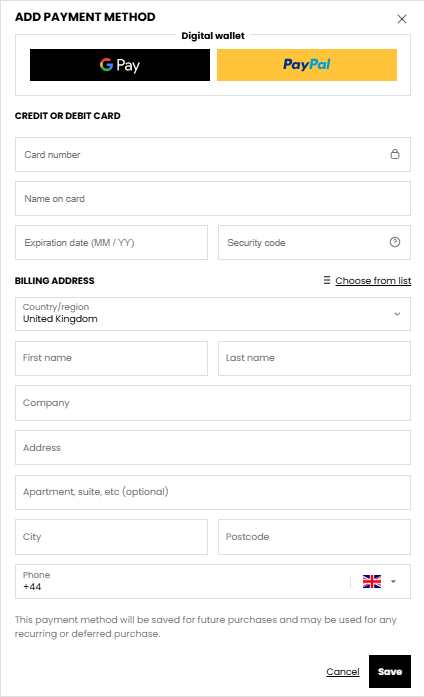
From the dropdown menu, select Profile to edit or add new details. You’ll be able to manage your payment methods. Scroll down to Payment Methods and click Add.
If you have any issues or require support with your subscription please reach out to our Customer Service team at [email protected] and we can send a link to request your payment method to be updated.